
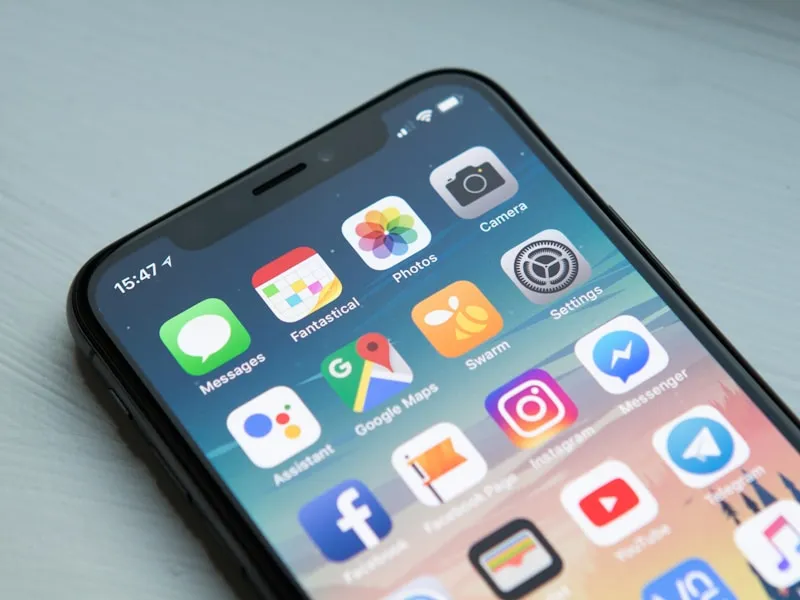
Here's a number that should change how you think about your website: over 60% of all web traffic now comes from mobile devices. For local business searches ("restaurants near me," "plumber in Port Huron"), that number is even higher — often 75% or more.
If your website was designed for desktops and then squeezed down to fit phones, you're doing it backwards.
What Is Mobile-First Design?
Mobile-first design means designing for the smallest screen first, then scaling up to tablets and desktops. It's the opposite of the traditional approach where designers created a full desktop layout and then tried to make it "responsive."
The difference matters because mobile constraints force better design decisions:
- Prioritized content — Small screens demand you put the most important information first
- Faster performance — Mobile-first sites tend to be leaner and faster
- Simpler navigation — No room for mega-menus or complex layouts
- Thumb-friendly interactions — Buttons and links sized for fingers, not mouse cursors
Why Google Cares
Since 2019, Google has used mobile-first indexing for all new websites. This means Google primarily uses the mobile version of your site for indexing and ranking. If your desktop site has great content but your mobile site is a stripped-down version, Google sees the stripped-down version.
This isn't coming — it's already here. Google completed the switch for all websites in late 2023.
Signs Your Site Isn't Mobile-Friendly
Pull out your phone and visit your website. Watch for these issues:
- Horizontal scrolling — If you have to scroll sideways, the layout isn't responsive
- Tiny text — If you have to pinch-to-zoom to read content, the font sizes aren't adapted for mobile
- Buttons too close together — If you keep tapping the wrong link, touch targets are too small
- Slow loading — If it takes more than 3 seconds to load on your phone's data connection, you're losing visitors
- Missing content — If the mobile version is missing content that's on the desktop version, Google is missing it too
Mobile-First Design Essentials
Readable Text Without Zooming
Body text should be at least 16px on mobile. Lines shouldn't be so long that you lose your place reading them.
Tap Targets Sized for Fingers
Google recommends tap targets (buttons, links) be at least 48x48 pixels with adequate spacing between them. Thumbs are imprecise — design accordingly.
Fast Load Times
Mobile users are often on slower connections. Optimize images, minimize code, and eliminate unnecessary scripts. Aim for under 3 seconds on a 4G connection.
Simplified Navigation
A hamburger menu (the three-line icon) is fine on mobile. What matters is that key pages are easy to find and the menu is easy to use with one thumb.
Click-to-Call Phone Numbers
For local businesses, your phone number should be a tappable link on mobile. One tap to call — no copying and pasting.
Testing Your Mobile Experience
Free tools to check your mobile-friendliness:
- Google's PageSpeed Insights — Gives separate mobile and desktop scores
- Chrome DevTools — Press F12, click the phone icon to simulate mobile devices
- Your actual phone — The best test is using your real device on a real network
The Business Impact
Businesses with mobile-optimized sites see:
- Higher search rankings — Google rewards mobile-friendly sites
- Lower bounce rates — Visitors stay longer when the experience is smooth
- More conversions — Easy-to-use mobile forms and click-to-call drive more leads
- Better ad performance — If you run Google Ads, your Quality Score improves with a mobile-friendly landing page
Take Action
If your site fails the mobile test, you have two options:
- Quick fix — If your site is on WordPress or a similar CMS, switch to a mobile-responsive theme and optimize from there
- Rebuild — If your site is several years old and was never designed with mobile in mind, a mobile-first rebuild is often the better investment
Want to know how your site performs on mobile? Contact us for a free mobile audit. We'll test your site on real devices and give you a clear action plan.