
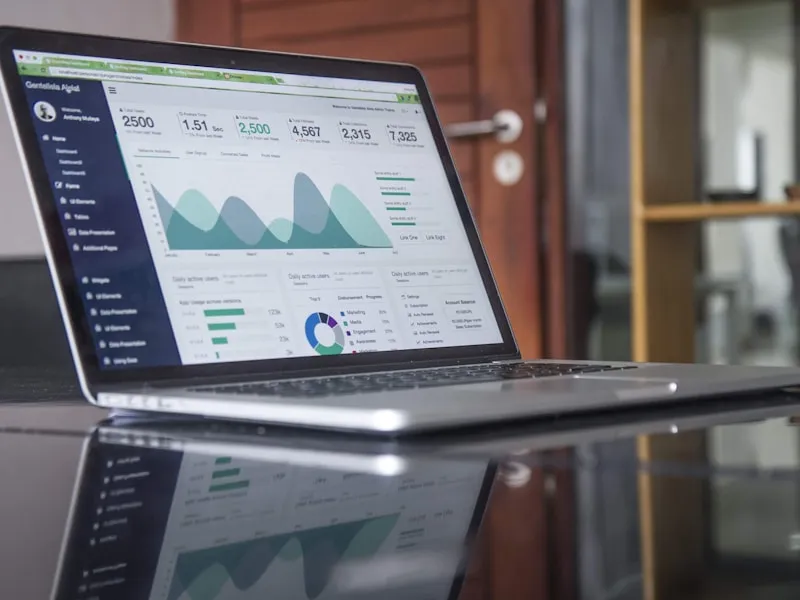
Google Analytics is installed on your website (or it should be). But if you're like most small business owners, you logged in once, saw a wall of graphs and numbers, and never went back.
You don't need to understand every report. Here's a focused guide to the metrics that actually matter for your business.
First: Make Sure You're on GA4
Google switched from Universal Analytics to Google Analytics 4 (GA4) in July 2023. If you haven't updated, your old analytics data has stopped collecting. Check by logging into analytics.google.com — if you see data from recent days, you're on GA4.
If you don't have analytics set up at all, it takes about 10 minutes. You create a GA4 property and add a small piece of code to your website.
The Five Reports That Matter
1. How Much Traffic Are You Getting?
Where to find it: Reports > Life cycle > Acquisition > Traffic acquisition
This shows you how many people are visiting your site and where they're coming from:
- Organic Search — People who found you through Google (this is your SEO traffic)
- Direct — People who typed your URL directly
- Social — Traffic from Facebook, Instagram, LinkedIn, etc.
- Referral — Traffic from other websites linking to yours
- Paid Search — Traffic from Google Ads
For most local businesses, organic search should be your largest traffic source. If it's not, your SEO needs work.
2. Which Pages Are People Visiting?
Where to find it: Reports > Life cycle > Engagement > Pages and screens
This tells you which pages get the most visits. Your homepage will likely be #1, but look at what else ranks high. Are people finding your service pages? Your blog posts? Your contact page?
Pages with low traffic might need better internal linking, better titles, or more content.
3. How Are Mobile Users Doing?
Where to find it: Reports > Tech > Tech details (filter by Device category)
Compare mobile vs. desktop users. If mobile users have significantly higher bounce rates or lower engagement, your mobile experience needs improvement.
4. Where Are Visitors Located?
Where to find it: Reports > User attributes > Demographic details
For a local business, this is important. You should see traffic concentrated in your service area. If you're a Port Huron business and most traffic comes from California, something's off — you might be ranking for the wrong keywords.
5. What's Converting?
Where to find it: Reports > Life cycle > Engagement > Conversions (you need to set these up)
In GA4, you can mark specific actions as "conversions" — form submissions, phone call clicks, appointment bookings. This is the most important metric because it directly ties to revenue.
If you haven't set up conversions yet, do it. Otherwise you're just measuring eyeballs, not business results.
Metrics to Stop Worrying About
- Bounce rate — GA4 replaced this with "engagement rate," which is more useful. But even engagement rate is just a diagnostic — it doesn't tell you if people are becoming customers.
- Session duration — Interesting but not actionable for most small businesses
- Pageviews — More pages don't automatically mean more business
Focus on traffic sources, top pages, and conversions. That tells you what's working and what isn't.
A Simple Monthly Routine
Spend 15 minutes once a month:
- Check overall traffic — is it trending up or down?
- Look at traffic sources — is organic search growing?
- Review top pages — any surprises?
- Check conversions — how many leads/calls/form fills this month?
- Compare to last month and same month last year
That's it. Fifteen minutes a month keeps you informed without drowning in data.
Need help setting up or understanding your analytics? Contact us — we set up GA4, configure conversion tracking, and provide monthly reports in plain English.